
Finance & operations / Suppliers & purchasing
A considered route from need to purchase.
Keep supplier information, purchase orders and delivery review within reach of the practice team.
Purchasing / supplier bill matchingDevelopment build
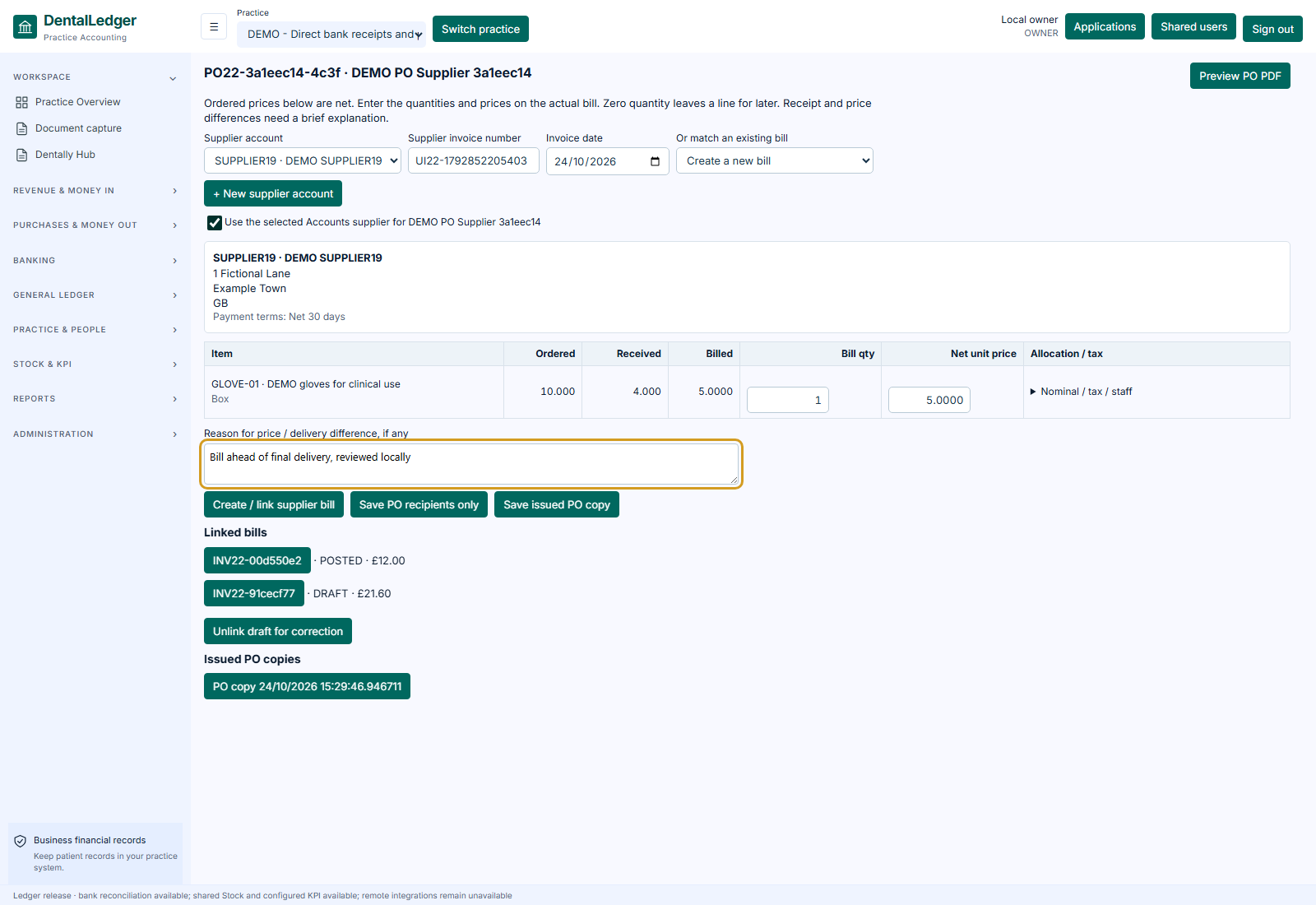 View screen
Suppliers & purchasing, in view.Development screenshot · fictional records. Select the image to inspect the screen.
The work it supports
A closer look
at the working day.
- Supplier records and purchase-order preparation.
- Review order and receipt context before the next action.
- Accounts includes purchase-ledger bills and supported PO/bill matching.
Suppliers & purchasing / workflow exampleFictional
Step 01 / illustrative
Prepare the order
Review the fictional supplier and required items.
EXAMPLE PRACTICEReview record / EX-01Source context → staff review → next action
Website demonstration only. Switching steps does not save records, post accounts, run payroll, place orders or contact external services.
Availability, supported scope & connections
Stock, purchasing and Accounts have different record responsibilities. A displayed connection does not imply automatic ledger posting or live supplier ordering. Dayanik is in development. Hosted acceptance and onboarding are agreed before use. Screens are identified as development screenshots or illustrations; fictional records are used throughout.
Start with your practice
Show us the work
you want to make easier.
Choose your priorities. We’ll discuss the supported workflows, setup and the right next step for your team.